Tween Composer for Godot
A downloadable plug in for Godot
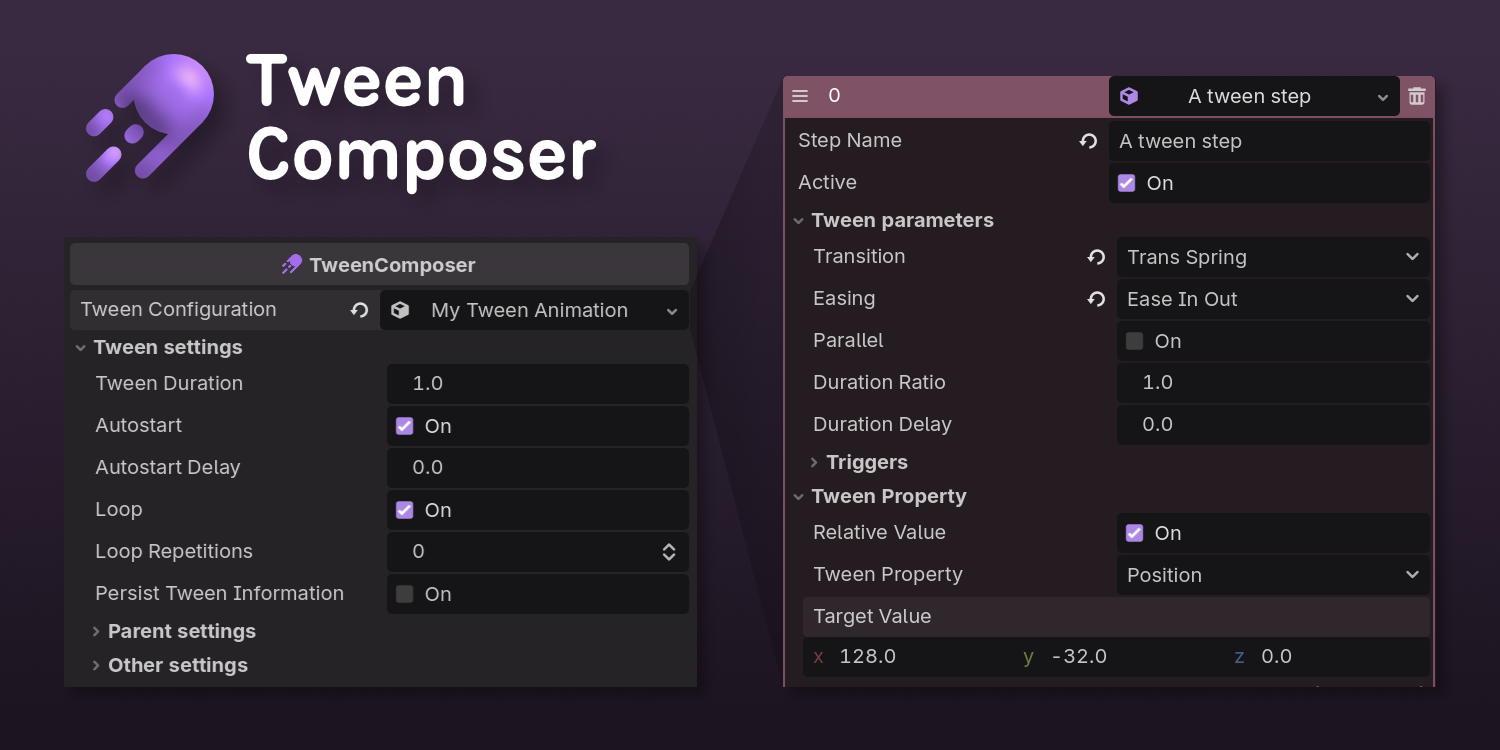
Tween Composer lets you create tween animations using the inspector tab in Godot.
It works on 2D, 3D and UI objects!

💫 Features
- Tweens can be saved as resources and reused in different entities.
- Dropdown for basic properties (position, rotation, scale, color/opacity), plus an "Other" field for changing ANY property using property paths, e.g.
position:x. - Sending triggers as a signal so other nodes can be connected and interact with the tween. Fire that particle mid-tween!
- Playback options to pause/play, reset or restart.
- "Hide before" and "Delete after" tween, to simplify the parent's spawning/destroying animations.

❓How to Use
To animate an object:
- Add TweenComposer a a child node.
- Use the inspector to create a new set of tween steps, choose a property and set the values for duration, loops, etc.
...and that's essentially it! 😃
Tween Composer does not need global/autoload scripts to work.
💬 I can write some advanced tips if there's enough traction on this page. Let me know if you're interested!
💾 Installation
You have plenty of options to get Tween Composer:
- From Godot: Search for the plug-in in Godot's Asset Library
- Head to the project's GitHub repository (contains examples there!)
- Download the plug-in from this page
💬 Hey! Remember to Enable the Plugin on your Project Settings!
⚙️ Development and feedback
I started this plugin as a tool for my projects, and figured it would be useful for other people too. I am still learning development, so there may be some bugs and unexpected behaviors.
I'll implement more features, so follow me here, star the repository on GitHub, and stay tuned to learn about future releases.
Let me know if you have any feedback or ideas for improvements. I'd love to hear them!
Download
Click download now to get access to the following files:
Development log
- Tween Composer 0.1.0 is out.20 hours ago
Leave a comment
Log in with itch.io to leave a comment.